
Budgets & reports
Choose the right financial report
On this page
Start with the question you need to answer for your pastor, treasurer, or finance committee. Reports use reviewed postings and reflect your access.
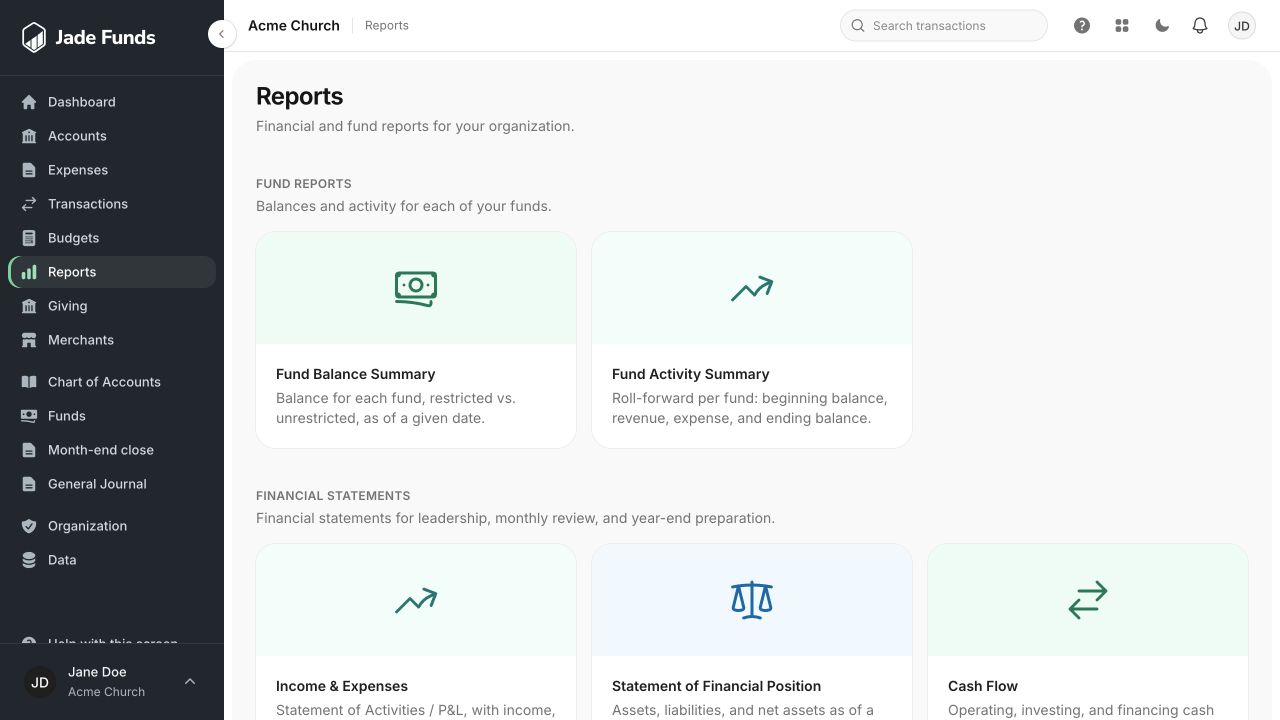
1. Fund Balance Summary answers how much is in each fund at a date.
2. Fund Activity Summary explains changes during a period.
3. Income & Expenses summarizes financial activity for leadership review.
What came in and what went out?
Income & Expenses, also called the Statement of Activities or P&L, shows financial activity during a selected date range. Use it to explain income, expenses, and the period’s result.
What do we own and owe?
The Statement of Financial Position shows assets, liabilities, and net assets as of a particular date. Its date is a point in time, rather than a range of activity.
What belongs to each fund?
The Fund Balance Summary shows the fund view as of its selected date. It differs from a list of bank balances because several funds can share a financial account.
How does the plan compare with activity?
Use Budget vs. Actual with an explicitly selected published budget and reporting months. See Compare a budget with actual activity.
Check these before sharing a report
- Confirm the organization and date or date range.
- Check that the relevant transactions have been reviewed.
- Check filters and resource visibility.
- For a month-end report, confirm whether the period is open, closing, or closed.
- Explain any unresolved reconciliation issues with the report rather than assuming every displayed balance has been reconciled.
If the numbers surprise you
Start with Why a transaction may be missing from a report.
Was this article helpful?
Still need a hand?
Tell us what you were trying to do and what happened. Leave passwords and bank login details out of your message.
Contact Jade Funds support